Pachi
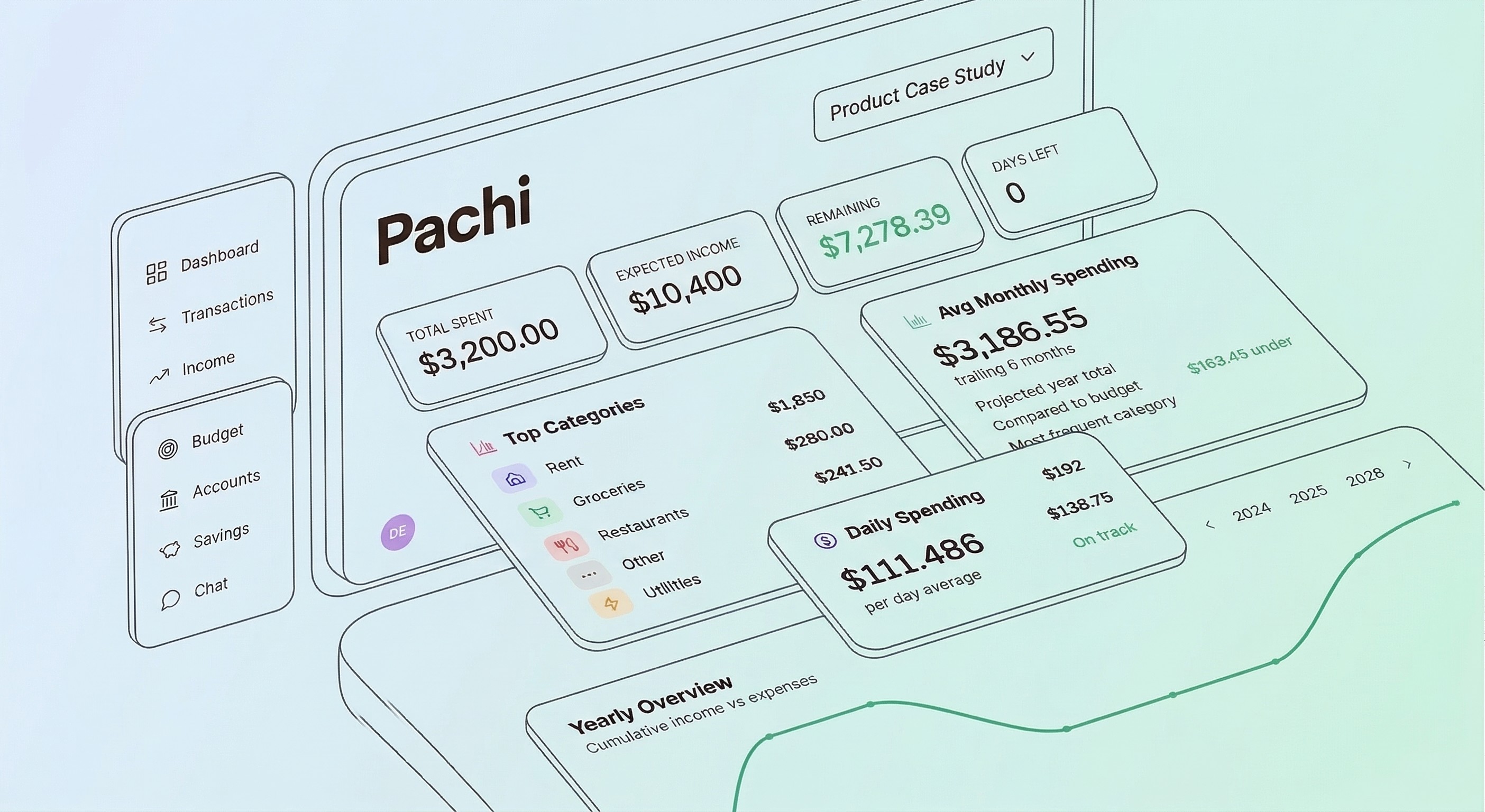
Pachi (short for Pachira Aquatica, the money tree) is an all-in-one financial dashboard to track, budget, and plan with your money. Connect your bank accounts via Plaid, categorize transactions manually or with merchant rules, and track where your income and expenses go each month.
Role
Solo-built
Tools
Cursor
Claude Code
Magic Patterns
Stack
React
TypeScript
Supabase
Plaid
Timeline
4 weeks
Scale
~20,000 lines of code
Why I built this
When I landed my first full-time job out of college, I was earning money for the first time and had no idea what to do with it. Nobody taught me personal finance in school, so I was immediately overwhelmed when I learned about HSAs, 401(k)s, ESPP, and RSUs. My first manager and a fellow rotational PM at Intuit introduced me to Financial Independence (FI) — the idea of building towards the freedom to choose how you spend your time. That reframed everything. I wanted to track every dollar.
Since 2022, I've been doing exactly that in Google Sheets. Every two weeks, I'd record transactions and account balances into a master sheet. The ritual worked for control, but it gave me nothing back — no trends, no projections, no way to answer "am I on track?" without doing the math myself.
There are plenty of apps that solve this. But I wanted to build my own — something hyper-personalized to my financial model, and a real project to push my skills as a builder.
High-level structure
The app is organized around seven views that mirror how I actually think about money — earning it, spending it, saving it, and watching the whole picture move over time.
View
What it does
Dashboard
Monthly snapshot — top spending categories, expected income, quick pulse check
Transactions
Searchable ledger with inline editing, category assignment, splitting, reimbursement tracking, and merchant rules
Budget
Drag-and-drop editor for per-category spending limits, organized by needs/wants/savings
Income
Paycheck breakdown with paystub parsing, 401k/ESPP/HSA tracking, and next-paycheck projection
Expenses
Category-by-category spending vs. budget with a velocity chart showing burn rate against pace
Savings
Goal tracker with progress status, contribution history, and monthly pace recommendations
Accounts
Net worth dashboard across all account types with Plaid sync and a net worth trend chart
Process
This project was built almost entirely through pair programming with AI.
Starting with Magic Patterns for design exploration. Before writing application code, I used Magic Patterns to generate initial design variations — prompting it with the features I wanted and evaluating different visual directions. Once I had a starting point I liked, I pulled the designs into Claude Code via the Magic Patterns MCP integration and refined from there. This let me skip the blank-canvas problem and move straight into opinionated iteration.
A living design brief as system prompt. I maintained a detailed markdown file (CLAUDE.md) with the design system, financial logic rules, and architecture decisions. Claude Code read it on every interaction, so I could say "add a stat card for remaining budget" and get the right border weight, typography, and color without re-explaining context.
Design A/B testing workflow. When unsure about a visual direction, I'd prompt Claude Code to render two competing options side-by-side in a temporary page, testing 2-3 dimensions simultaneously (typography + border weight + card layout in one round). I'd pick a winner, articulate why, and encode a preference. This tight loop — generate, evaluate, codify — meant the design system got more opinionated with each decision.
Decisions & Principles
Numbers first over decorative UI. Dollar amounts are the interface. Borders, shadows, and labels exist only to organize, never to compete with the data.
Warm and approachable over corporate and sterile. Finance tools shouldn't feel like cold bank statements. I leaned into warm creams, conversational copy, and generous whitespace, actively avoiding cold grays and dense, intimidating data tables.
Real amounts over abstract representations. I shouldn't have to do mental math; I need numbers I can scan and act on instantly. I originally built horizontal progress bars for budget categories, but caught myself calculating "60% of $400" just to figure out I had $240 spent. I scrapped the bars entirely for plain text: "$160 left." It’s less decorative, but infinitely faster and more useful.
Signal over noise for visual intensity. Saturated color is a scarce resource, reserved strictly for actionable items like CTAs or anomalies. Early versions used bright, filled circles for every merchant. It looked bold, but when every row screams for attention, nothing stands out. I switched to subtle, low-opacity backgrounds. Normal transactions became visually quiet so the "needs review" badges could actually do their job.
Opinionated over configurable. Good software makes the hard decisions for you. The core experience is a financial waterfall: Emergency fund → 401k match → high-interest debt → ESPP → RSU diversification. I deliberately opted out of making this priority order configurable. It reflects near-universal financial advice; adding a settings page would just offload cognitive work back onto me.
Pre-compute over re-compute. Speed is a feature, especially for AI. The advisor needs a full financial snapshot on every single chat message, and crunching that from raw transactions created visible lag. I shifted the heavy lifting to write-time: database triggers now pre-compute monthly summaries whenever a transaction changes. The AI reads six tables in parallel instantly instead of re-aggregating months of data on every turn.
Challenges
Most of the pain came from making decisions in code that should have been made in planning — especially around data modeling. The Plaid integration is the exception. That was genuinely hard regardless of planning, because the failure modes only surface at runtime in production.
Plaid Integration
Connecting to external banking systems dragged out over 7 weeks and required 5 separate overhauls. AI is great at writing standalone code, but it struggles with the invisible security handshakes between cloud platforms. Supabase and Plaid kept misinterpreting each other's security tokens — every time I asked Claude to encrypt the data, it broke how the text was formatted, resulting in silent failures I could only catch through extensive logging. Lesson learned: I needed to understand the full auth flow end-to-end before building, not discover it through trial and error.
Data modeling: when money touches two systems
The hardest part of this project was deciding how money should behave when it lives in two places at once. When a transaction is linked to a savings goal — say, buying a plane ticket tagged to "Travel Fund" — should it count against the monthly budget? Should it inflate the goal's balance? I spent an entire day pushing 6 different updates to fix how savings interacted with expenses and budget tracking. Each attempt revealed a new edge case. I ended up needing a goal_category_mapping table, modified summary triggers, and 3 sequential migrations to get it right. This was a case where the domain logic was far more complex than it appeared, and I should have whiteboarded the data flow before writing any code.
Migration sprawl
The migration folder tells the story: fix_budget_trigger → remove_budget_trigger, fix_needs_review_default, the pgcrypto fix chain, the goal exclusion fix chain. 47 migrations for a solo project. Because I was using AI to experiment with new features on the fly, the database foundation had to be constantly torn up and rebuilt. Half of those migrations existed just to patch bugs introduced by the previous one. The trigger-based approach for monthly summaries made it worse — every new feature (goals, transfers, savings-funded categories) required updating the trigger logic. Batching schema changes and testing against realistic data before committing would have cut this in half.
Looking ahead
Pachi has already replaced the spreadsheet — I use it for all my transaction categorization now, and the biweekly Google Sheets ritual is gone. But the app is still reactive. It can tell me where my money went; it can't yet tell me whether I'm on pace.
Getting there means importing three years of historical transactions so the app can spot seasonal patterns, connecting accounts beyond Chase for a complete net worth picture, and building a conversational layer where I can ask "Can I afford a trip to Peru in April if I also want to max my ESPP this quarter?" and get an answer grounded in my actual data. That's the version that shifts Pachi from a tracking tool into a planning tool, and the version I'm building toward.